

Documentation Index
Fetch the complete documentation index at: https://akua-1dce587a.mintlify.app/llms.txt
Use this file to discover all available pages before exploring further.
What a workspace contains
Infrastructure and deployment
Infrastructure and deployment
- Clusters: Kubernetes infrastructure for deploying applications.
- Regions: organizational labels for grouping clusters.
- Application deployments: running instances of your products and applications.
Products and configuration
Products and configuration
- Products: sellable software packages you create.
- Installations: running deployments of your products and direct installs, each with its own package repository.
Integrations and access
Integrations and access
- GitHub App installations: connected for automated deployments.
- Workspace members: users with direct access.
- Managing organization: optional organization whose members get admin access automatically.
- Stripe account: one billing account per workspace for marketplace payments.
Workspaces vs organizations
These solve different problems. Use them together:| Workspace | Organization | |
|---|---|---|
| What it is | Container for resources (clusters, products, deployments) | Identity for your team or company |
| Who sees it | Direct members and the managing organization’s members | Members of the organization |
| Owns billing | Yes (Stripe Connect, Akua subscription) | No |
| Owns resources | Yes | No (just access) |
| Typical count | One per environment, customer, or business unit | One per company |
When to use separate workspaces
Even with an organization, you’ll often want multiple workspaces:- Environment separation: production, staging, and development as separate workspaces prevent accidental changes and keep clusters isolated.
- Per-customer ownership: when you sell software, each customer gets their own workspace. They own it; your organization manages it. This keeps billing, data, and resources isolated per customer.
- Independent business units: different legal entities, different Stripe accounts, or different teams that should never share resources.
- Test isolation: short-lived workspaces for one-off projects, demos, or partner experiments.
Workspace roles
Each member has a role that controls their permissions:| Role | Permissions |
|---|---|
| Owner | Full control: delete workspace, manage billing, transfer ownership, and invite members. |
| Admin | Manage apps, deployments, clusters, secrets, and members. |
| Member | Deploy apps and view resources and logs. |
Managing the workspace
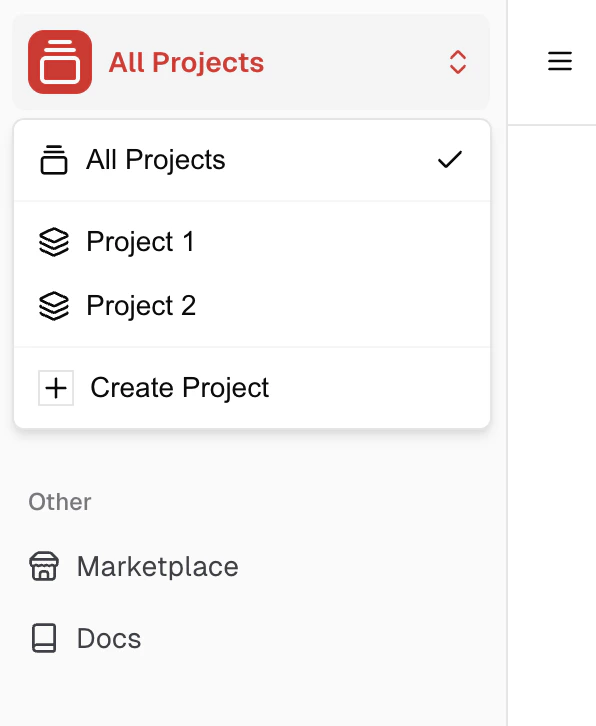
- Switch workspaces from the sidebar switcher.
- Selecting All Workspaces shows resources from every workspace you have access to.
- Create, edit, invite members, or transfer ownership from Settings in the dashboard.
API
Manage workspaces, members, subscriptions, and access state programmatically.Workspaces API
CRUD, member management, subscription, access state, and billing portal endpoints.
Authentication
Mint API tokens for programmatic access.
Related topics
Organizations
Team and customer-management identity.
Billing
Manage your workspace subscription.
Create a cluster
Set up infrastructure in your workspace.
Plans and pricing
Resource quotas and plan limits per workspace.